Drop image anywhere

(1 file at a time)

Free AI Watermark Remover Online

Watermarks can be removed easily without professional Photoshop skills. Instantly remove watermarks from images using our free online watermark remover. Clean up easily with just a click!
Remove Watermark Now
Or drop an image here

How to remove watermark from photo?

Step 1

Upload Your Image

Start by accessing Potonet Watermark Remover and uploading the image from which you wish to remove the watermark.
Potonet supports various formats such as PNG, JPEG, JPG, WEBP, and more, ensuring compatibility with a wide range of image types.
Step 2

AI Processing

The advanced AI technology of Potonet watermark remover will start to process your image. It carefully analyzes the watermark and removes it while preserving the overall image quality.
The AI ensures that the removal process is seamless and effective.
Step 3

Download Your Image

Once the AI has finished processing your image, you can download the watermark-free version.
Simply click on the "Download" option, and your image will be ready to use without any unwanted watermarks.

Effortlessly Remove Watermarks from Images Online

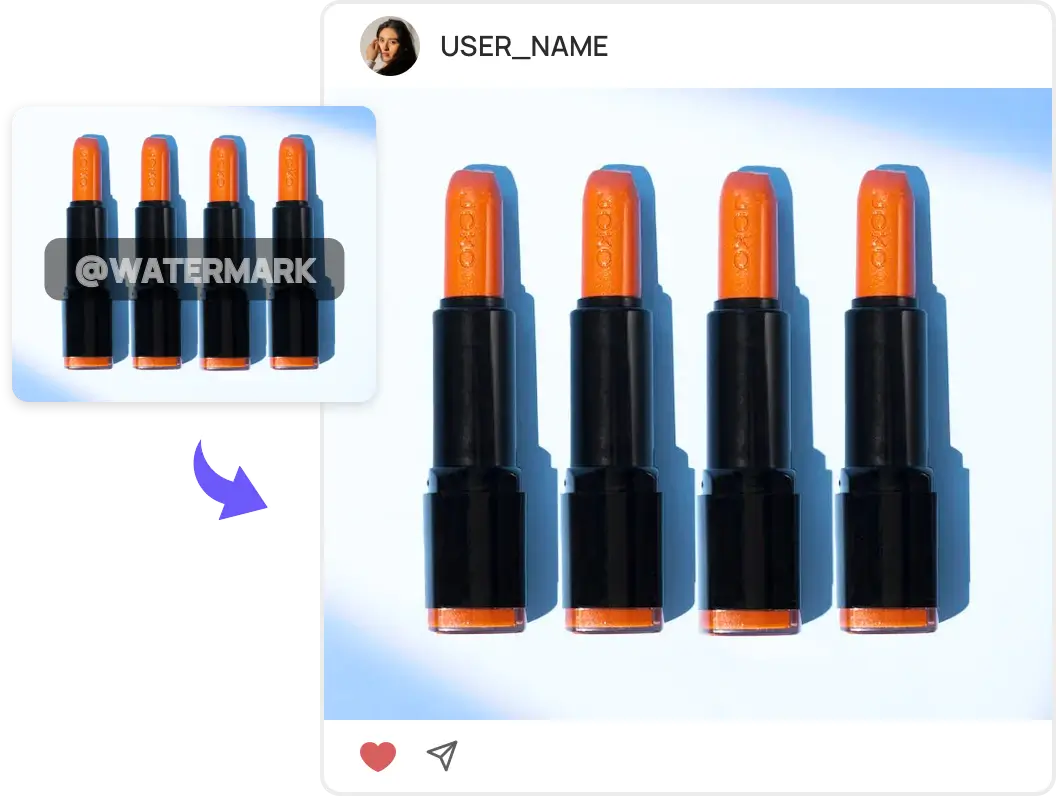
Say goodbye to the era of manually editing watermarks from images with complex software. Now you can remove watermarks in seconds! Simply upload your image, select the unwanted watermark, and the free online watermark remover will automatically detect and remove the watermark area. Soon, you'll have a clean photo, which can be shared and printed at any time without any watermark.
Remove Watermark Now
Ai Watermark Remover

Remove Watermarks without Losing Quality

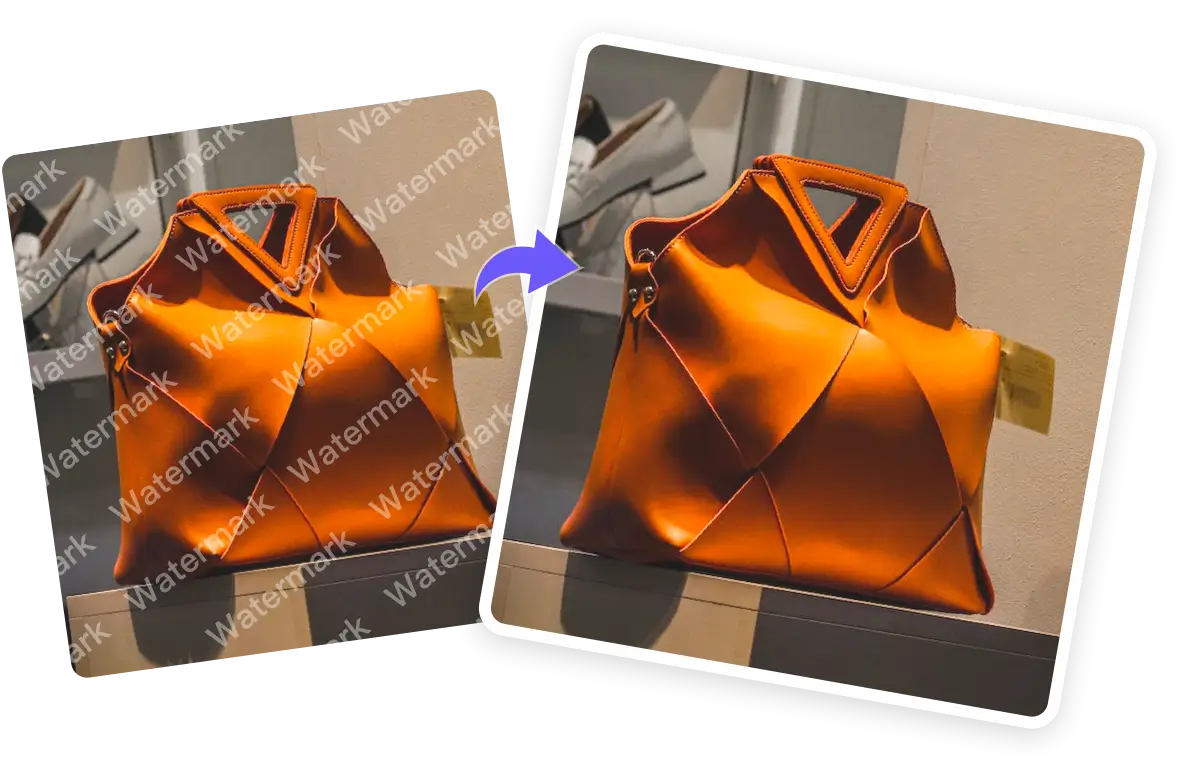
Potonet Watermark Remover provides watermark solutions for images using powerful AI algorithms.It effortlessly removes watermarks while filling in the background where the watermark is located. Unlike traditional mosaic blurring of watermarks, Potonet Watermark Remover precisely repairs the image area where the watermark was removed to ensure the original quality of the image.
Remove Watermark Now
Picture Quality

The Ultimate AI Watermark Remover: Say Goodbye to Unwanted Marks

Remove all watermarks from your photos effortlessly with Potonet Watermark Remover's intelligent mode. Simply select the unwanted parts of the image and submit your selection. The eraser will automatically detect and delete the watermarks. Additionally, you can preview the results in real-time and continue removing other elements based on the updated photo.
Remove Watermark Now
Remove Multiple Matermarks

Removes unwanted text, logos, people, objects and more

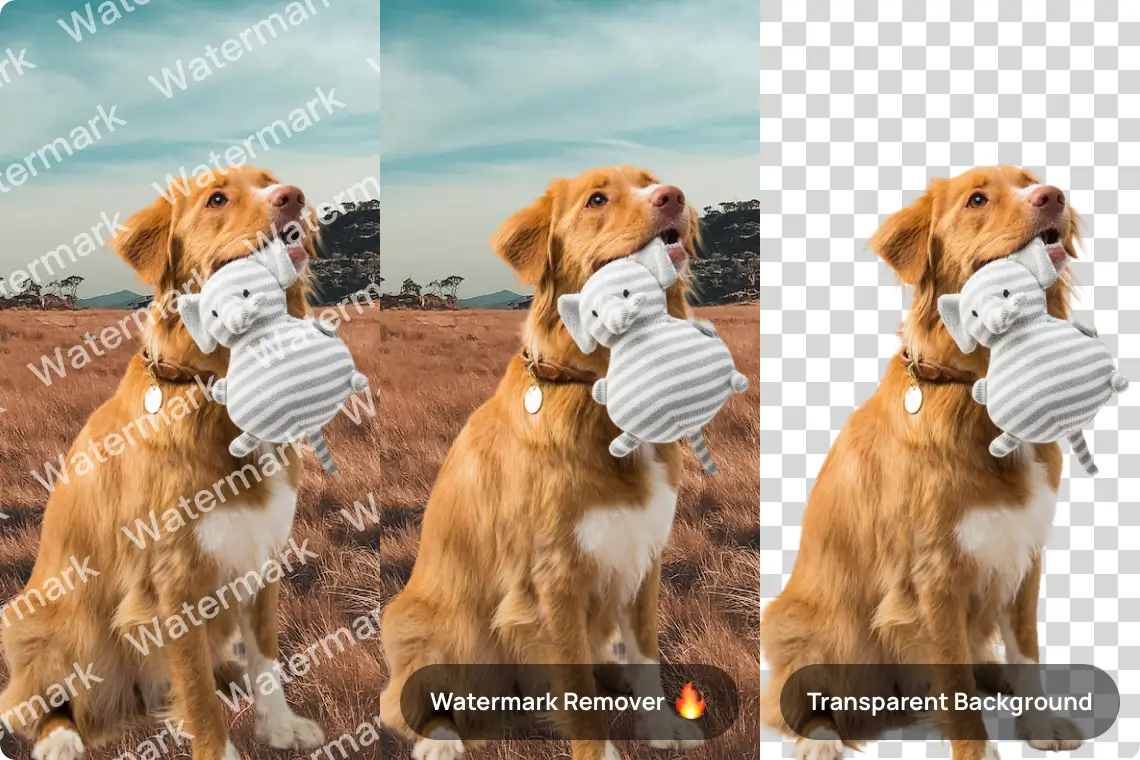
The use of AI makes Potonet an incredible tool for, removing unwanted objects from images. It removes unwanted text, watermarks, images, logo or other overlays. Potonet enables you to erase multiple items in an image in one go. Simply brush over the areas with unwanted overlays. Cleanup pictures online has never been simpler!
Remove Watermark Now
Erasing Function

Experience More with Potonet Watermark Removal

Explore a series of functions besides watermarking, including enhancing image quality, removing backgrounds, adding instant backgrounds and so on. Unleash your creativity and elevate your images to new heights effortlessly with the robust capabilities of the Potonet AI Photo Editor tool.
Remove Watermark Now
More Editors

FAQs for Potonet Watermark Remover

What is Potonet Watermark Remover?

How do I remove logos using Potonet?

Which watermark remover is considered the easiest to use?

Does Potonet offer a free trial?

Can Potonet remove transparent watermarks?

Dose Potonet Watermark Remover support removing watermark from videos?

What file formats does Potonet support for watermark removal?

Is there a way to remove watermarks from photos on iPhone using Potonet?

Can Potonet remove watermarks from scanned documents?

Is Potonet compatible with Windows operating systems?

Can I use Potonet to remove watermarks from multiple photos at once?